
Managed TAPPDATT device setup
A request-only path for fully managed TAPPDATT and SCANDATT deployments. Review the product first, then customize it with a guided preview before adding it to cart.
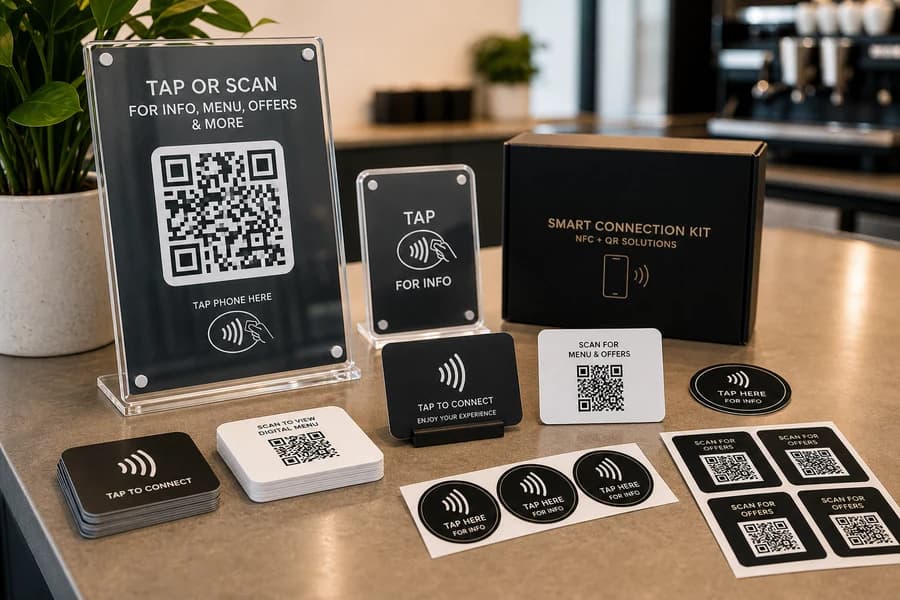
Order request
Request this sign
TappDatta will confirm the sign details, proof, and connection setup before production.
Request quote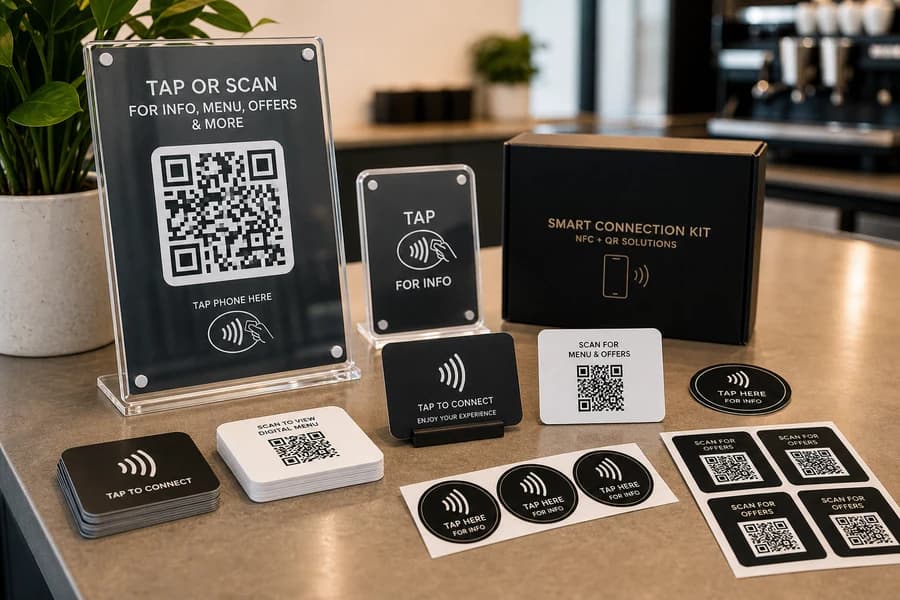
How it works
1Choose your item
2Share details
3Review request
4TappDatta follow-up
Best used for
- Best for accounts that need provisioning, assignment, and lifecycle controls.
- Scoped through a TappDatta conversation, not a public cart.
- Kept separate from regular merch and direct-link products.
What’s included
- Product options and quantity selection.
- Customization fields when the product supports QR, NFC, text, logo, or link setup.
- Preview approval before the order request is submitted.
- Staff review before payment or production steps are enabled.
Printed vs Certified
Printed by TAPPDATT means TappDatta manufactures or fulfills the physical item. TAPPDATT Certified means TappDatta verifies, validates, or manages the scan or smart-link experience where that product lane is supported.