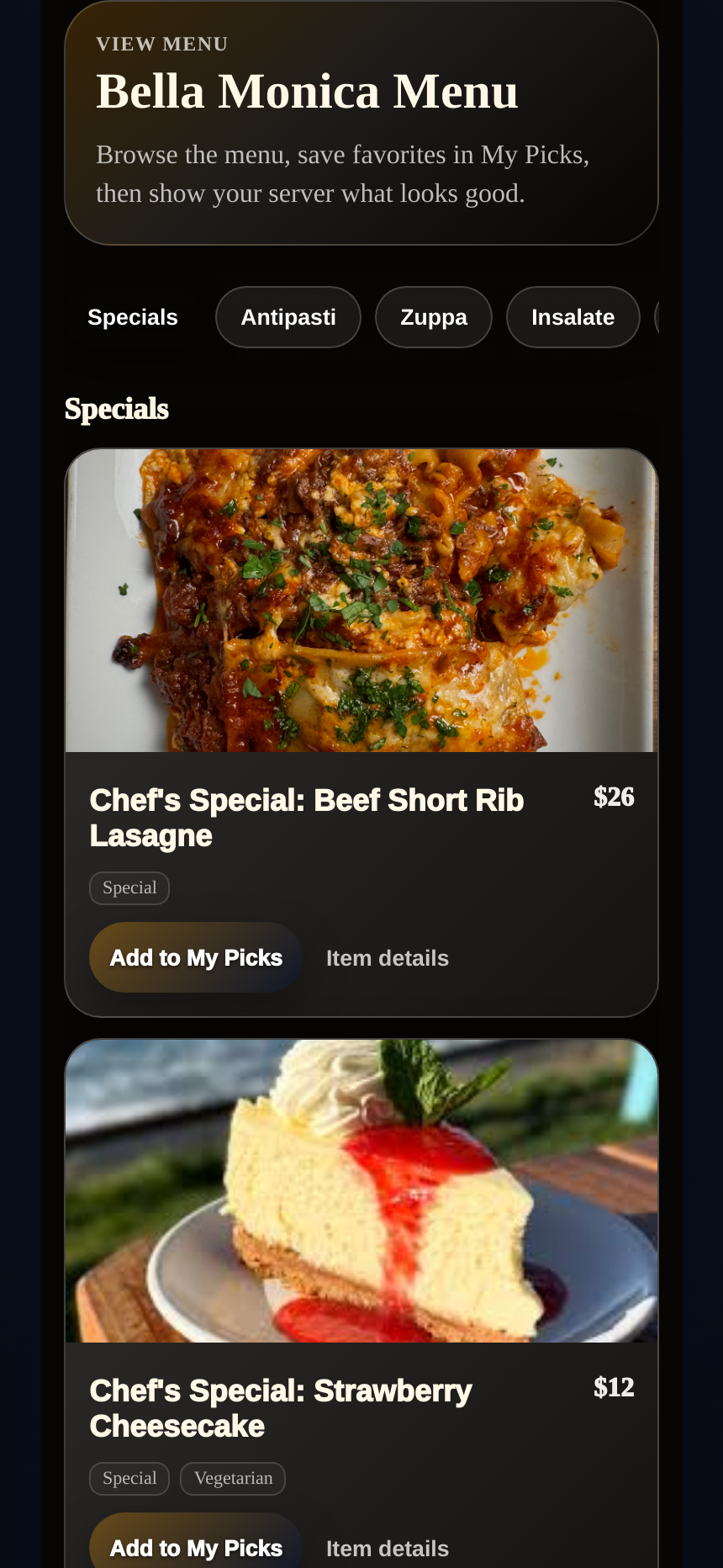
Visual Menu
Visual Menu
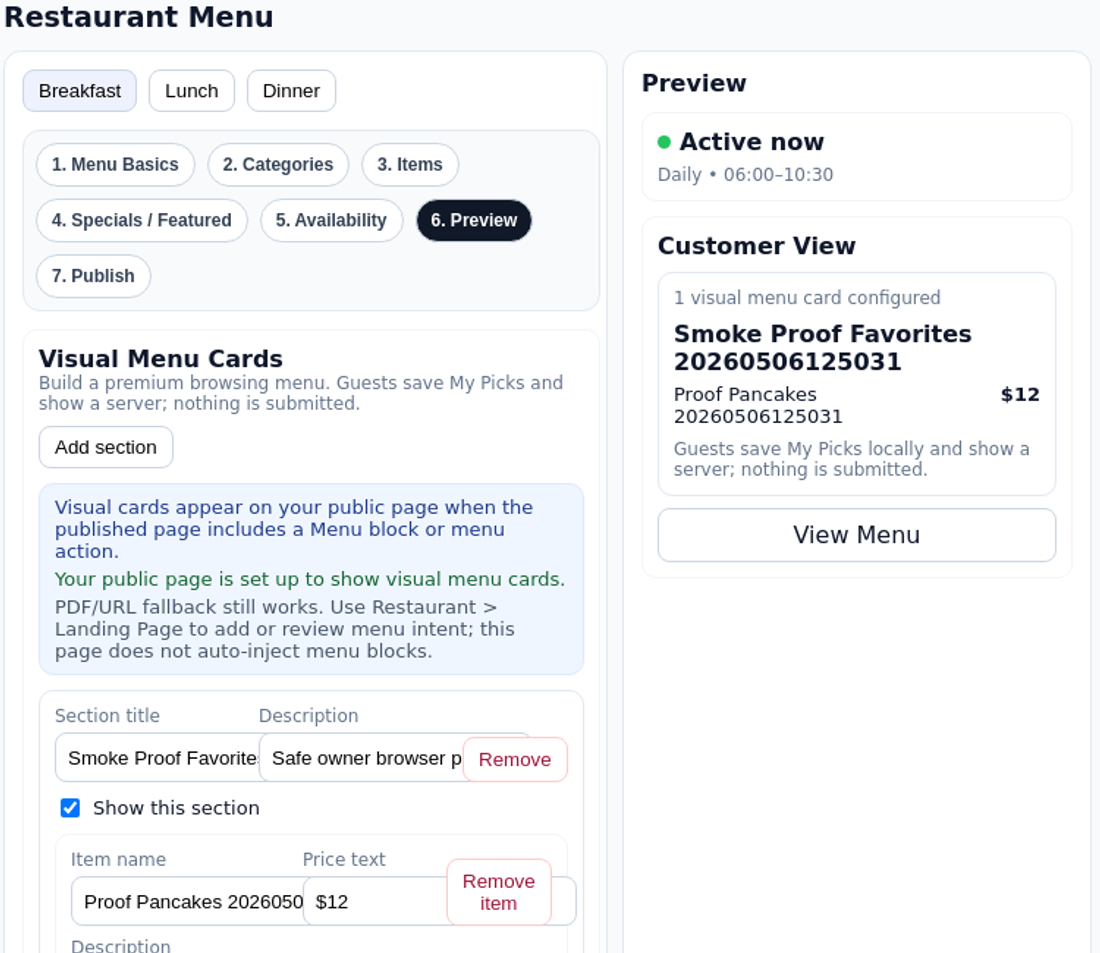
Guests browse visually instead of fighting static PDFs.
Place a TappDatta touchpoint on the table, counter, or host stand. Guests tap or scan it and instantly open the restaurant experience you choose: menus, specials, information, reviews, saved picks, and service actions.
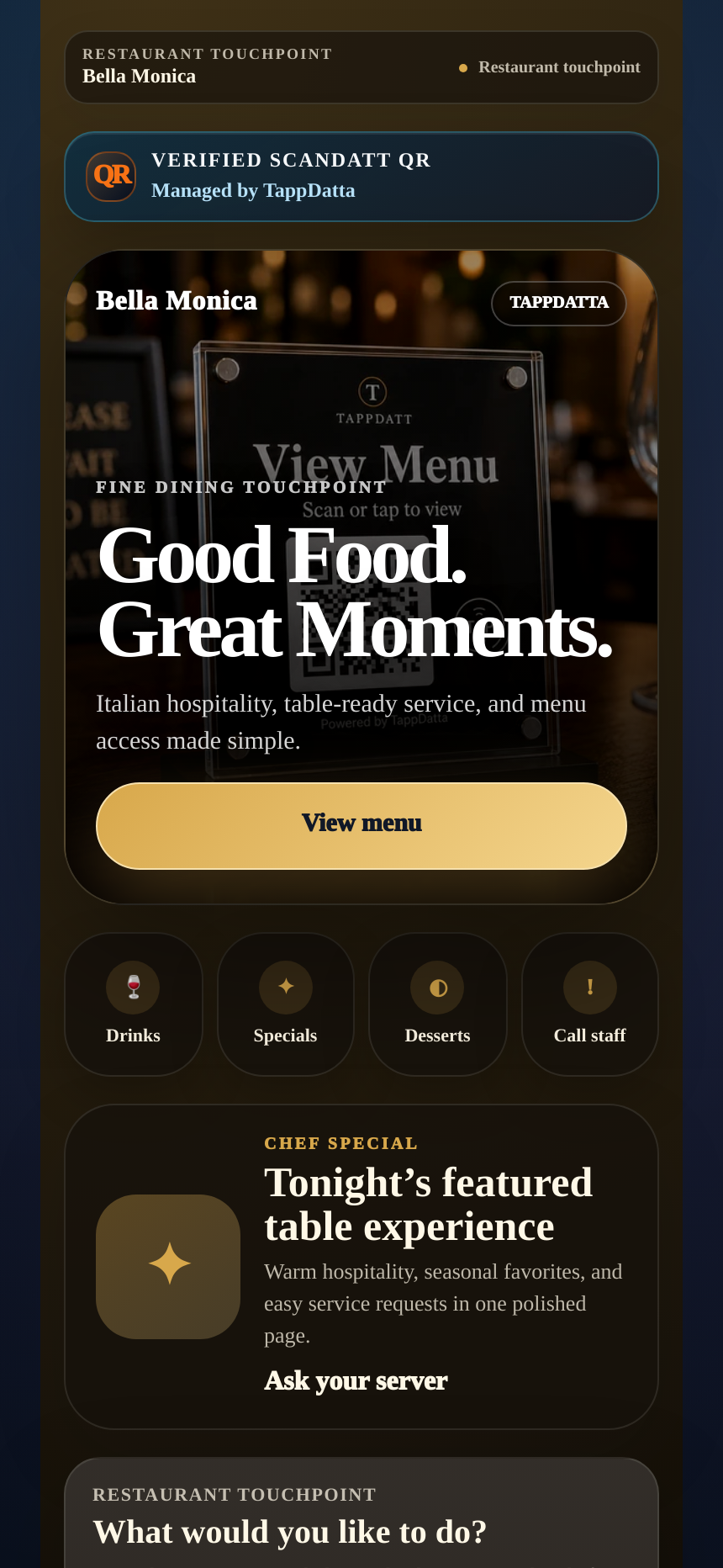
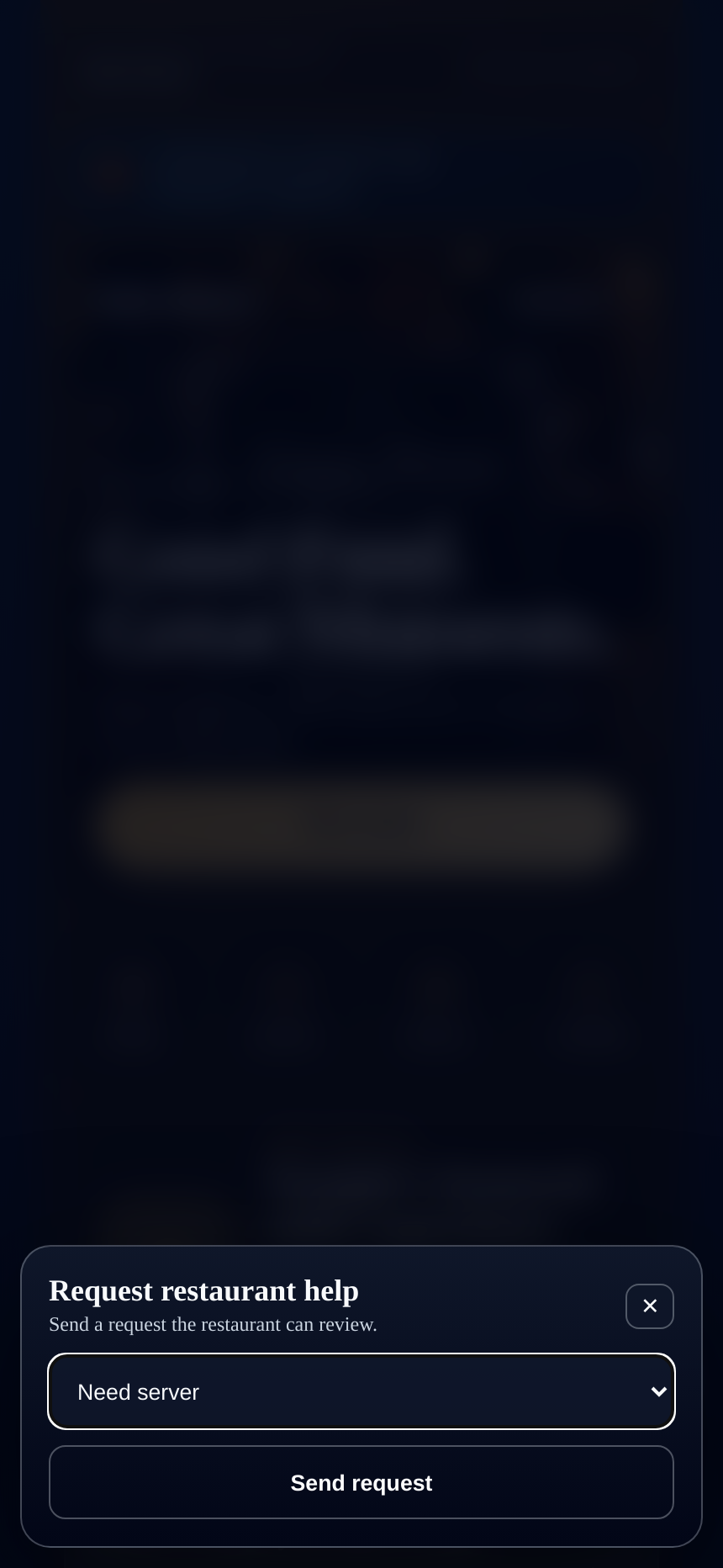
The physical table becomes the entry point to a restaurant-owned digital experience, without turning TappDatta into the restaurant's POS or payment system.
Guests should not pinch through PDFs or guess where specials and service actions live.
Tables need one clear place for menu help, My Picks, Call Staff, and guest-service actions.
Without one clear table page, menu interest and service intent disappear into guesswork.
Guests scan once, browse visually, save what interests them, and show staff what they need without turning the table into an ordering kiosk.
Guests browse visually instead of fighting static PDFs.
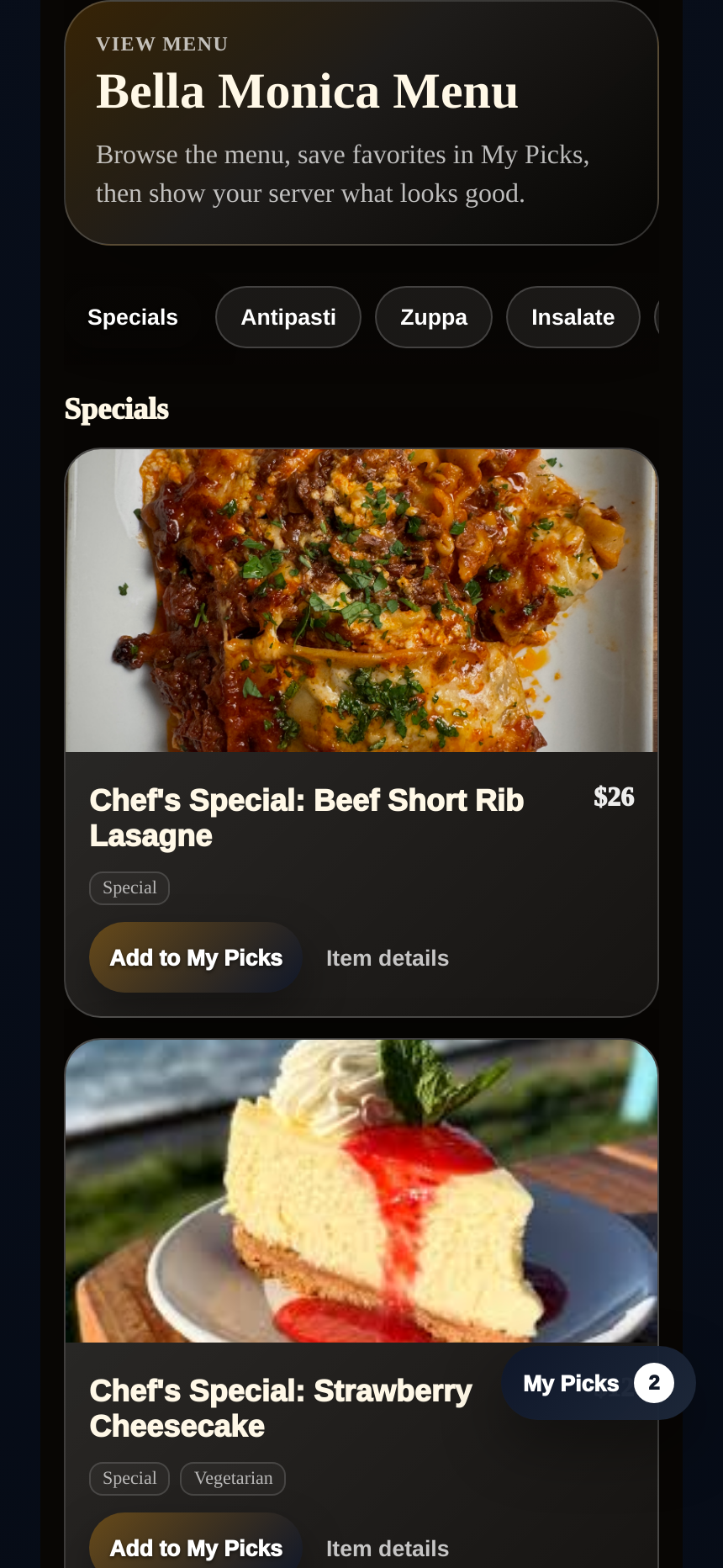
Guests save what catches their eye before asking questions or ordering.
Guests can send a clean help request from the live table experience when they need staff attention.
Place the sign, let the guest scan once, and keep the page current without reprinting.
Use a table tent, plaque, coaster, or TAPPDATT tap point where guests already look.
The scan opens a branded restaurant experience with menu access, specials, My Picks, and service actions.
Menus, specials, and guest actions stay current because you can change the page without replacing the sign.
Use real engagement signals to understand what guests care about at the table.
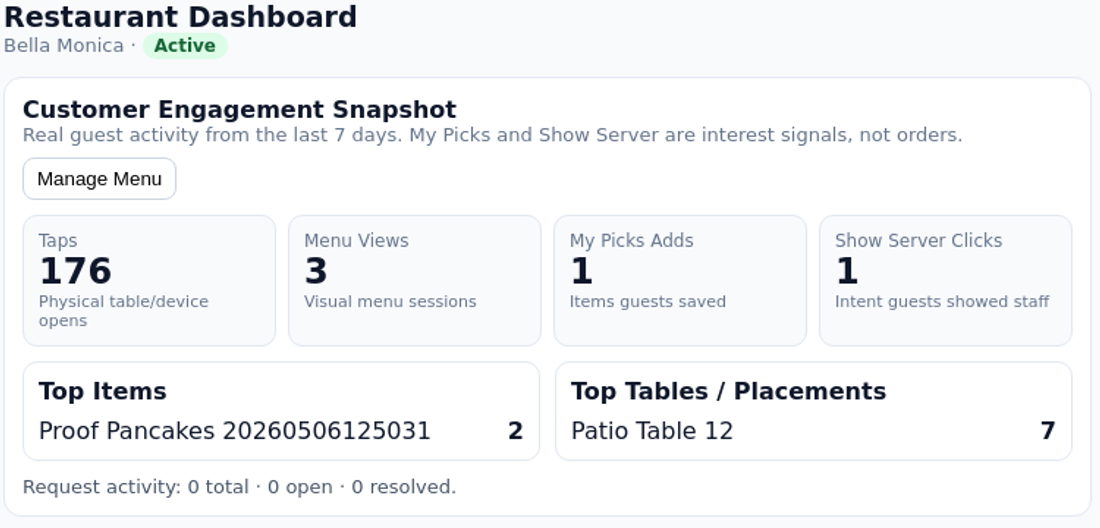
These are engagement signals, not guaranteed sales or submitted orders.
The menu destination changes behind the scan, so the hardware can stay in place while the experience evolves.
Restaurants can update the managed destination without starting over with new printed links.
Trust matters more when the guest is already seated and deciding what to do next.
Guests see a verified restaurant scan path, not a generic pasted link.
TappDatta manages the destination behind the table so menus, specials, and guest actions stay current.
The restaurant experience feels branded, practical, and table-service oriented from the first scan.
Show the guest what matters at the table and keep the destination current behind the scan.
A branded table experience for menus, specials, My Picks, Call Staff, and service actions.
Launch with table tents, coasters, plaques, counter signs, and NFC/QR tap points where the room needs them.
Track taps, menu views, My Picks, Call Staff opens, and top placements by interest.
Choose the tabletop format that best fits your space, from table tents and coasters to plaques, counter signs, and tap points.
A clear centerpiece for menu access, specials, and service actions.
A premium tabletop sign format for permanent restaurant placement.
A compact hospitality-first format near drinks and repeat guest touch moments.
A good fit for host stands, pickup counters, and waiting areas.
Use a verified SCANDATT QR or TAPPDATT tap point where table context matters most.
Restaurant deployments start with a guided review of the table flow, menu setup, touchpoint mix, and staff handling path.
We map your table flow, menu setup, TAPPDATT tap points, SCANDATT scan points, and owner visibility before quoting final setup.
Setup, TAPPDATT NFC devices, and SCANDATT QR placements are quoted separately.
Plan Restaurant LaunchBook a walkthrough of the Bella Monica landing, Visual Menu, My Picks, Call Staff, owner visibility, and update flow.
Give guests a clearer table experience while owners see real customer intent.